Google Play Gift card Coms With a Lot Of information
What is google Play Gift card ?

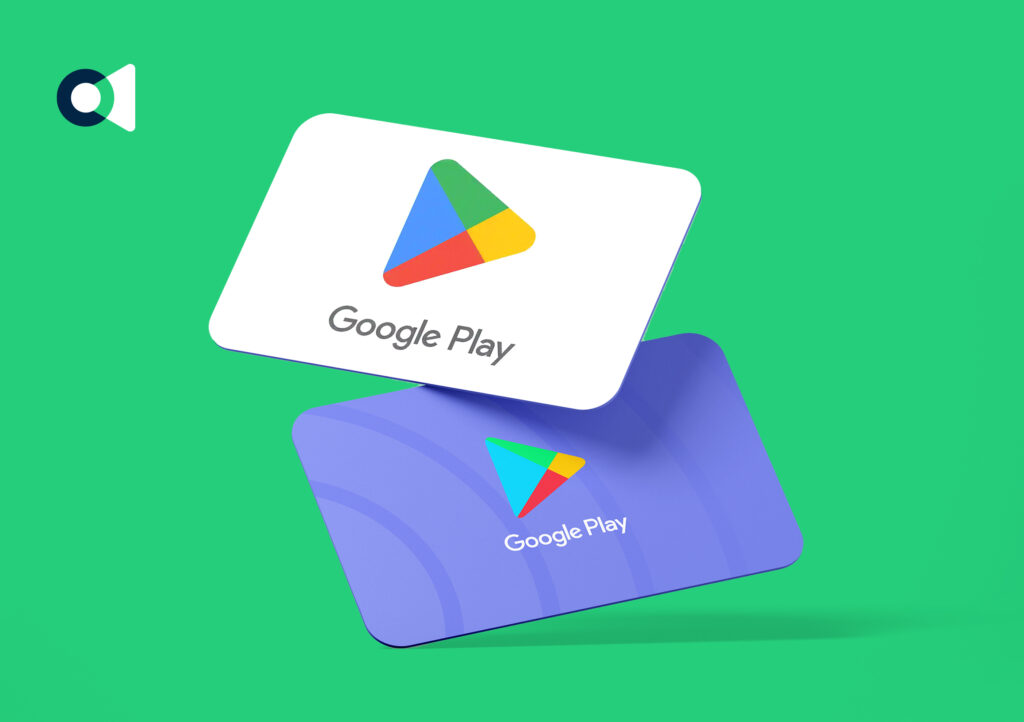
A Google Play Gift Card is a prepaid card you can use to add balance to your Google Play account. With that balance, you can buy apps, games, subscriptions, movies, books—without using a credit or debit card 📱🎮

🎁 What Can You Use a Google Play Gift Card For?
You can spend it on:
- 🎮 Games & in-app purchases (like Free Fire, PUBG, Roblox, etc.)
- 📱 Paid apps
- 🎬 Movies & TV shows
- 📚 E-books & audiobooks
- ⭐ Subscriptions (YouTube Premium, apps, etc.)
🧾 Types of Google Play Gift Cards
- Physical cards – bought from stores
- Digital cards – code sent by email or message
How To Get Google Play Gift Card?
📍 1. Buy Official Google Play Gift Cards (Outside Bangladesh)
The safest and most reliable way is to get them where Google officially sells them:
🛒 Online or In-Store in Supported Countries
You can buy Google Play gift cards from:
- Retailers like Amazon, Walmart, Target, Best Buy
- Official Google Play website or app
- Gift card marketplaces (like GiftCards.com)
These cards usually come in amounts like $5, $10, $25, $50, $100. You get a code you can redeem in the Google Play Store.
💡 These work best if your Google account region matches where the card is sold (e.g., US card for US account).
🌏 2. Buy Online Through Digital Code Vendors
Since Google Play Gift Cards aren’t officially sold in Bangladesh through Google or authorized shops, many users buy digital gift card codes from third-party sites that deliver codes via emai
How To Use Google Play Gift Card?
Using a Google Play Gift Card is very simple 😄. Here’s a clear step-by-step guide:
🎮 How to Use Google Play Gift Card

✅ Step 1: Open Google Play Store
- On your Android phone or tablet, open the Google Play Store app
- Or go to play.google.com/redeem on a browser
✅ Step 2: Sign In
- Make sure you are signed in with the Google account you want the balance added to
✅ Step 3: Redeem the Gift Card
- Click on Profile Icon → Payments & Subscriptions → Redeem Gift Code
OR directly go to play.google.com/redeem - Enter the code from your physical or digital gift card
- Click Redeem
How To Redeem Google Play Gift Card?
Here’s the step-by-step guide to redeem a Google Play Gift Card 🎁📱
✅ How to Redeem Google Play Gift Card
Step 1: Open Google Play Store
- On your Android device, open the Google Play Store app
- Or go to play.google.com/redeem on a browser
Step 2: Sign I
- Make sure you are logged into the Google account where you want the balance added
Step 3: Find the Redeem Option
- On mobile:
- Tap your Profile icon (top-right corner)
- Go to Payments & subscriptions
- Select Redeem gift code
- On browser: just enter the code at play.google.com/redeem